
Go to the Rodel Portal – https://apps.rodel.co.za

Click on LOST YOUR PASSWORD?
Type in your email address and click ‘Reset’.
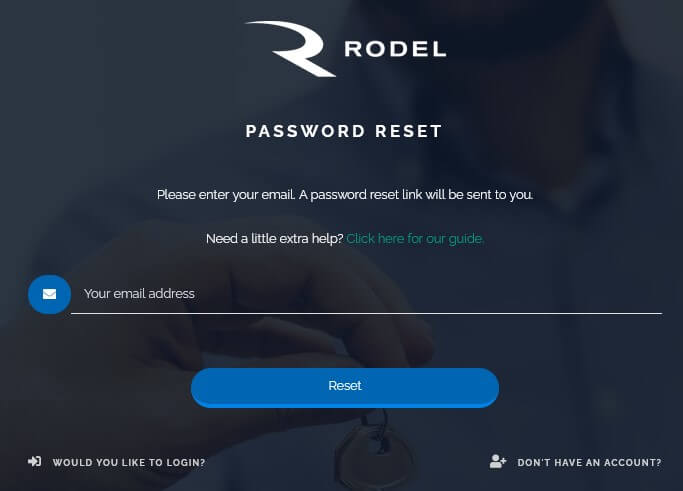
A password reset link will be sent to that email address. In your inbox, click on the link provided and type in your new password.
Should you experience problems changing your password or not receive the password reset email, please contact support@rodel.co.za for assistance.