
You also only need to do this once.
Open Lexis Convey – Go to Setup.

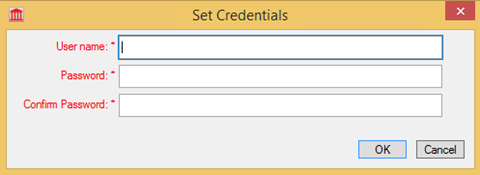
Click on “My Setting”. You will see Rodel Settings in the middle of the screen, click on “Set Credentials”.

Enter the Rodel username you created earlier (not your email address) and the Rodel password you created earlier.
Now you are ready for your first deal! PS: there is no extra cost in this matter if you apply in the Lexis Convey system