
SAVE THE ICON IMAGE
- Visit: https://rodel.co.za/wp-content/uploads/2021/03/Rodel-App-Icon.ico
- Right click the icon image.
- Select Save Image As…
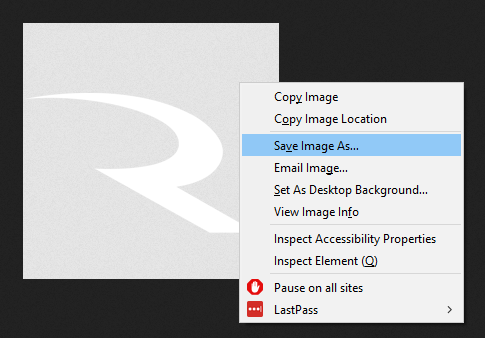
- Save it to your desktop (do not change the file type).

CREATE THE SHORTCUT ON YOUR DESKTOP
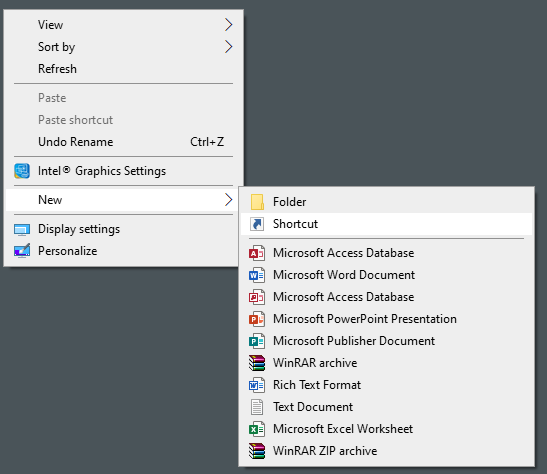
- On your Desktop, right click.
- Select New => Shortcut
- Enter: https://apps.rodel.co.za in the empty field. Then click Next.

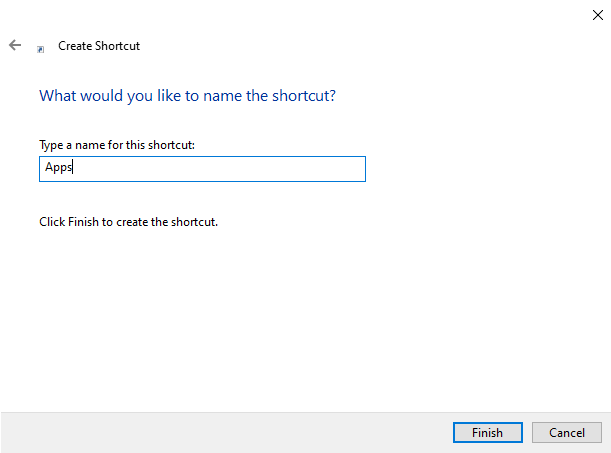
- Give the shortcut a name. Then click Finish.
ADD THE ICON
- Finally, right click on the shortcut you’ve just created and click Properties.
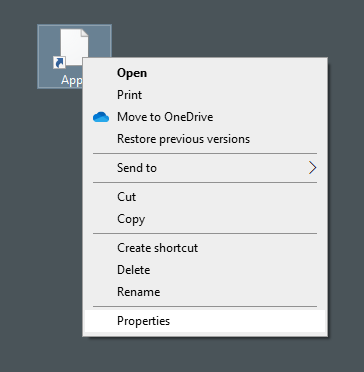
- Under the Web Document tab, click on Change Icon.
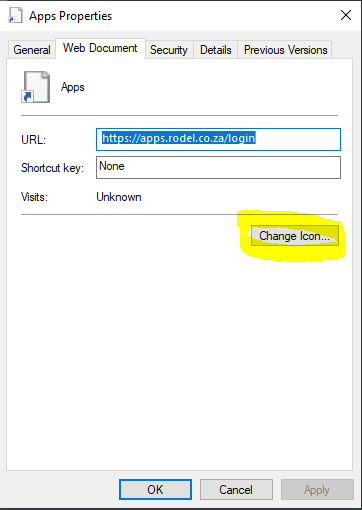
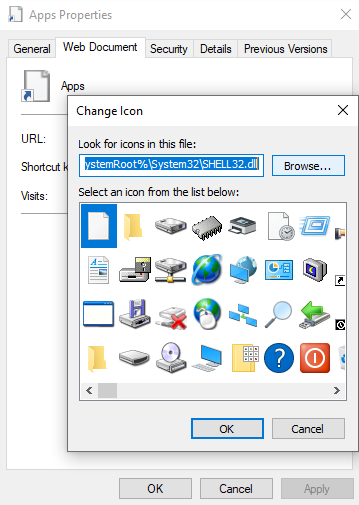
- Click Browse. Then select the icon that you saved to your desktop.
- Then click OK.
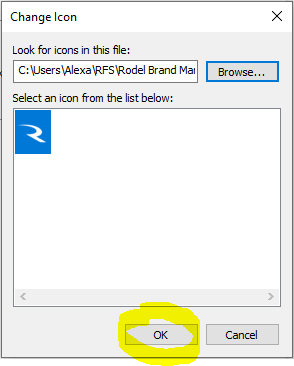
You now have a shortcut with the “R” icon on your desktop.